
Voice AI agents rarely fail because the team is incompetent. They fail because production is adversarial: accents, noise, interruptions, weird requests, tool timeouts, policy edge cases, and silent regressions after prompt/model changes.
So if you’re deploying voice AI seriously, you eventually need a Voice AI monitoring + QA layer that does three things reliably:
- Detect failures in production (not a weekly call-sampling ritual).
- Explain what broke (not just “CSAT down”).
- Improve without creating new regressions.
This guide covers the top 7 Voice AI Monitoring platforms in 2026, including options built for enterprise teams and for fast-moving voice AI builders.
Top 7 Voice AI Monitoring Platforms in 2026 (At A Glance)
| Tool | Best fit for | What you'll like | Watch-outs |
| ReachAll | If you want a full-stack platform with QA + control layer and an option to go fully managed | A full-stack platform; Voice agent + monitoring + QA in one system, reliability loop built around real production calls, option to run it hands-off | If you only want call recording and basic tags, this can be more than needed |
| Cekura | If you want broader automated QA coverage and lots of scenario-based simulations | Strong simulation and automated QA approach across many conversational scenarios, helpful for expanding test breadth quickly | Voice-specific depth depends on how your voice stack is instrumented; may not be the best “voice-only ops” tool |
| Hamming AI | If you need scenario generation, safety/compliance checks, and repeatable evals | End-to-end testing for voice and chat agents with scenario generation, production call replay, and a metrics-heavy QA workflow | You still own ops and fix workflow |
| Roark | If you care about audio-native realism and production replay | Deep focus on testing + monitoring voice calls, including real-world call replay | More “QA platform” than “ops + managed execution” |
| Coval AI | If you want deep debugging and evaluation at scale | Simulate + monitor voice and chat agents at scale, with an evaluation layer your whole team can use | If you want deep voice pipeline tracing, confirm what you get out of the box vs what you need to configure |
| SuperBryn | If you want a lighter-weight eval/monitoring workflow | Voice AI evals + observability with a strong “production-first” angle (including tracing across STT → LLM → TTS) | Less public clarity on voice-specific depth vs others |
| Bluejay | If you want end-to-end testing with real-time explainability plus human insight | Scenario generation from agent + customer data, lots of variables, A/B testing + red teaming, and team notifications | Can feel like a testing lab if you want “operational control” |
Top 7 Voice AI Monitoring Platforms in 2026 (Deep Dives)
Find out which one’s the right voice AI monitoring platform for your voice AI agent below:
1) ReachAll: Best for teams who want an all-in-one setup; a full-stack Voice AI + QA with control layer
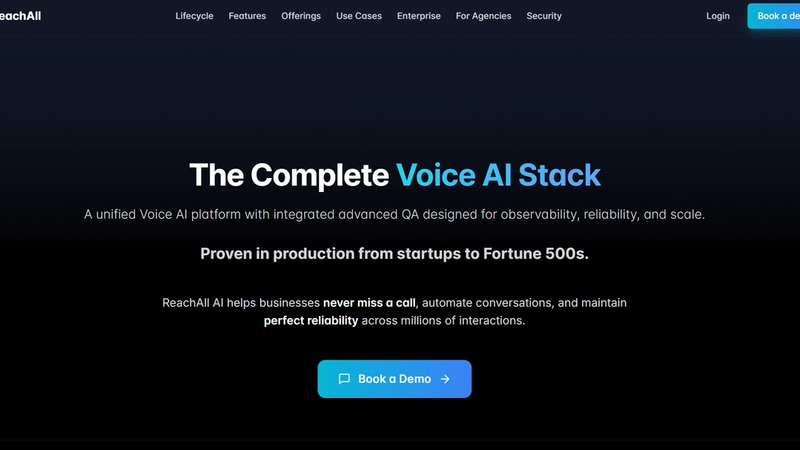
ReachAll is the best fit when you do not want “some calls working.” You want an all-in-one platform that deploys efficient Voice AI agents, then monitors every conversation, flags issues, identifies the failure point across the voice stack, and improves performance over time.
Key monitoring features that matter for Voice AI monitoring
- Evaluate every call at production scale so edge cases do not hide in sampling.
- Root-cause tracing across the pipeline (STT, reasoning, retrieval, policy, synthesis, tool calls, latency and interruption handling).
- Custom evaluation criteria aligned to your SOPs and compliance rules, not generic scoring.
- Scenario tests + regression suites so fixes do not break other flows.
- Multi-model routing controls when you want to optimize cost and reliability across providers.
- Works across your voice stack end-to-end, not just at the transcript layer.
- Fully managed option available if you do not want to staff voice QA, monitoring, and reliability engineering internally.
Why ReachAll is the #1 choice?
ReachAll is the top pick when you need to know what broke, where it broke, why it broke, and how to fix it without breaking other flows.
It also fits two buyer types BETTER than most:
- Operators and compliance owners who care about consistent outcomes across teams, regions, and spikes in demand.
- Voice AI platform builders who want a reliability layer that works across STT, LLM, and TTS components and evaluates end-to-end calls at production scale.
If you are serious about operational reliability, ReachAll is the cleanest “system, not tool” choice.
Best for
- Teams moving from pilot to production
- Ops leaders accountable for customer outcomes
- Regulated workflows (finance, insurance, healthcare)
- Voice AI platform builders who want to ship a reliability layer to customers
Pros and Cons
| Pros | Cons |
| Designed for production reliability, not vanity dashboards | If you only want call recording and basic tags, you can choose a simpler tool |
| Evaluates every call and catches edge cases sampling misses | |
| Root-cause tracing across STT, LLM, TTS and tool calls speeds diagnosis | |
| Scenario tests and regression suites reduce “fix one thing, break another” | |
| Can run as an independent layer across different voice stacks |
Book a Demo
2) Roark: Best for replay-based debugging and turning failed calls into test cases
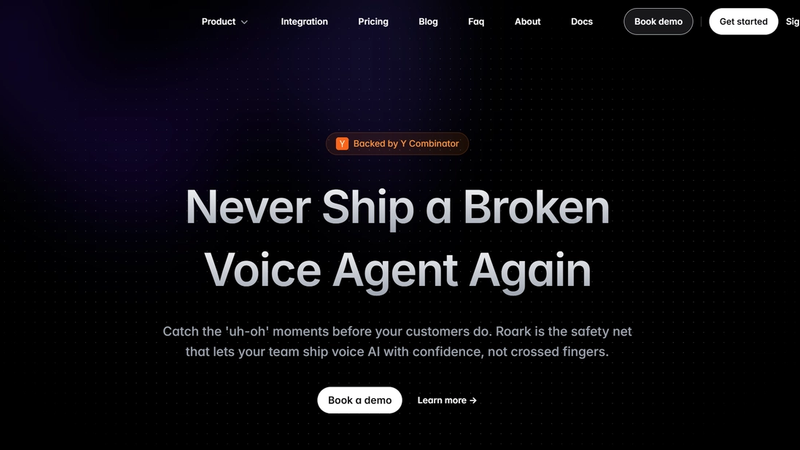
Roark is built for teams who ship voice agents often and want confidence before changes hit real customers.
It leans heavily into end-to-end simulations, turning failed calls into repeatable tests, and running regression testing at scale.
Key monitoring features that matter for Voice AI monitoring
- End-to-end simulation testing with personas, scenarios, evaluators, and run plans
- Turn failed calls into tests so production issues become reusable QA assets
- Replay-driven debugging for catching regressions in real conversations
- Test inbound and outbound over phone or WebSocket
- Native integrations with popular voice stacks for quick setup and call capture
- Scheduled simulations for ongoing regression testing
Best for
- Product and engineering teams with frequent releases
- Teams building multi-flow voice agents with lots of edge cases
- Voice AI platform builders who want a testing layer to package for customers
Pros and Cons
| Pros | Cons |
| Strong simulation-first workflow for pre-deploy quality | If you want deep governance controls and compliance workflows, you may need additional layers |
| Turns production failures into repeatable tests, which compounds QA value | If you only need basic monitoring, this can be heavier than required |
| Quick integrations with common voice platforms | |
| Personas and scenario matrix help cover diversity and edge cases | |
| Great fit for regression testing culture |
3) Hamming AI: Best for repeatable testing, scenario coverage, and compliance-minded QA
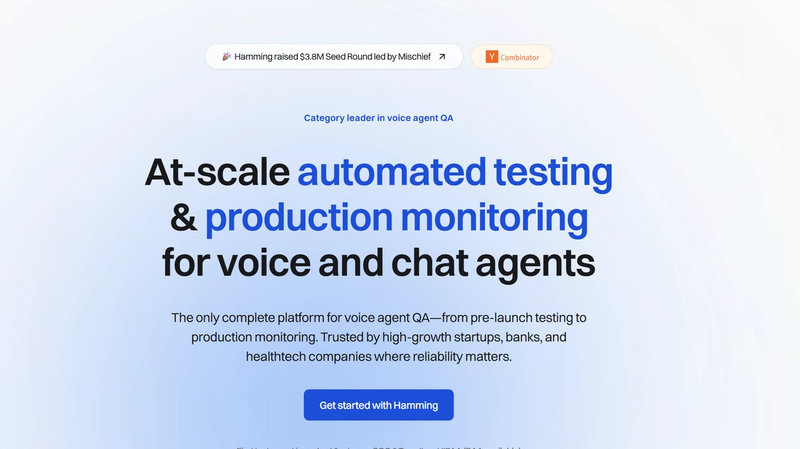
Hamming is a solid option for teams that want structured quality measurement across voice and chat agents.
It focuses on test scenarios, consistent evaluation, metrics, and production monitoring so you can track quality like an engineering discipline.
Key monitoring features that matter for Voice AI monitoring
- Unified testing for voice + chat under one evaluation approach
- Framework-driven metrics for voice quality and intent recognition
- Production monitoring to detect regressions
- Scale testing with large test sets so you are not guessing from small samples
Best for
- Teams that want a disciplined QA process and repeatable measurement
- Builders who want a clear evaluation framework to standardize across customers
- Teams that care about intent recognition accuracy at scale
Pros and Cons
| Pros | Cons |
| Strong methodology and metrics-first QA approach | If you want a fully managed reliability function, you may need more internal ops capacity |
| Supports both voice and chat agent evaluation in one system | Not the simplest choice for teams seeking lightweight monitoring only |
| Good fit for large-scale testing beyond manual spot checks | |
| Helps quantify intent quality and failure patterns | |
| Useful for regression detection when shipping frequently |
4) Bluejay: Best for end-to-end testing with real-time explainability plus human insight
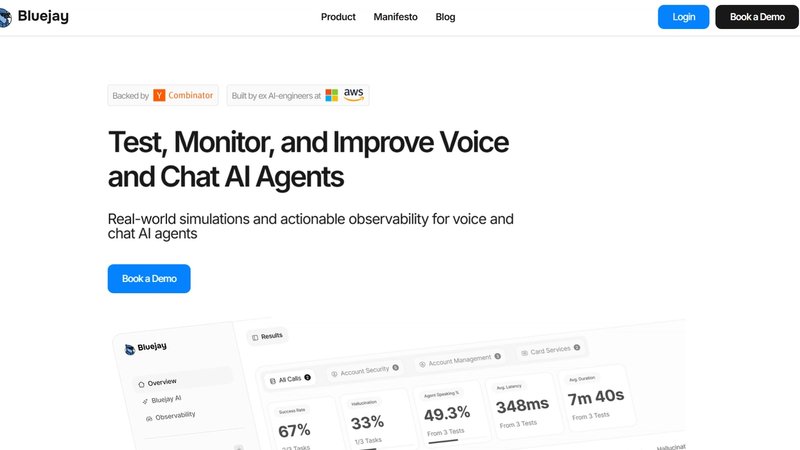
Bluejay is built around a simple idea: stop “vibe testing” voice agents. Instead, run real-world simulations that reflect what your customers actually do, including variability in environment, behavior, and traffic. It offers both technical and human insight.
Key monitoring features that matter for Voice AI monitoring
- End-to-end testing for voice, chat, and IVR
- Real-world simulation variability (voices, environments, behaviors)
- Load testing to stress systems under high traffic
- Regression detection so quality does not silently slip after changes
- Monitoring to catch issues after deployment, not just before
Best for
- Teams that worry about real-world caller diversity: accents, noise, behavior shifts
- Businesses ramping volume where reliability under load matters
- Builders who want simulation-led QA without building a custom harness
Pros and Cons
| Pros | Cons |
| Strong simulation angle focused on real-world variability | If you want deep governance controls and root-cause tracing across every pipeline component, you may need a broader reliability stack |
| Covers voice, chat, and IVR quality workflows | |
| Load testing helps catch scaling failures earlier | |
| Regression detection supports teams shipping frequently | |
| Good fit for moving beyond “manual test calls” |
5) Coval AI: Best for deep debugging and evaluation at scale
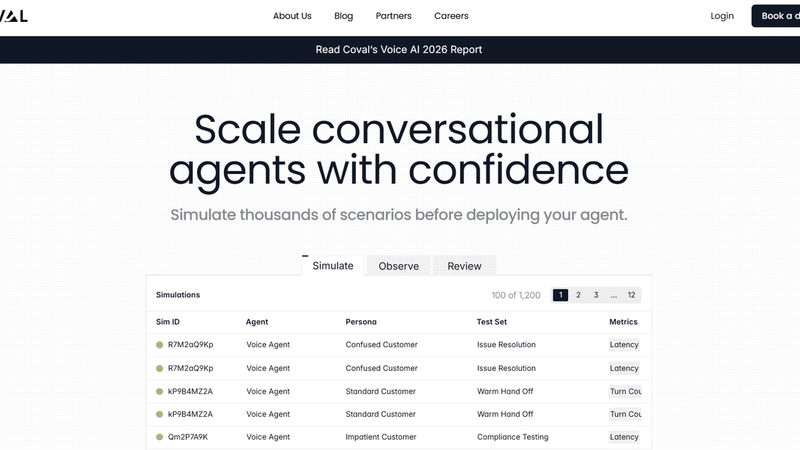
Coval is a strong pick for technical teams who want simulation plus detailed evaluation and debugging. When a call fails, the value is in seeing exactly where it went wrong, at the turn level, including latency and tool execution accuracy.
Key monitoring features that matter for Voice AI monitoring
- Simulation of realistic interactions with structured success tracking
- Custom evaluation metrics for workflow accuracy and tool usage
- Production monitoring to spot regressions over time
- Debug views with turn-level audio, latency, and tool call visualizations
- Integrations with common observability tooling, useful for engineering teams
Best for
- Engineering-led teams building complex workflows and tool-using voice agents
- Teams that need deep root-cause debugging per turn
- Builders integrating evaluation into an existing observability stack
Pros and Cons
| Pros | Cons |
| Great depth for debugging failures, not just scoring outcomes | Can be more technical than what ops-only teams want day to day |
| Strong fit for tool-using agents where “did it execute correctly?” matters | Scenario design still matters, and teams may need time to build coverage |
| Combines simulation, evaluation, and production monitoring | Not the lightest option if you only want basic monitoring |
| Turn-level visibility helps teams fix issues faster | |
| Plays well with broader observability workflows |
6) Cekura: Best for heavy simulation and automated scenario generation
Cekura is a practical choice when you want automated QA and monitoring for voice and chat agents without relying on manual testing.
It includes scripted testing patterns and focuses on catching issues early, before they become customer-facing failures.
Key monitoring features that matter for Voice AI monitoring
- Automated testing and evaluation for voice and chat agents
- Scripted testing for IVR and voice flows to validate steps and decision paths
- Scenario-based QA that reduces manual repetitive testing
- Monitoring to track quality after launch
- Latency and performance checks for voice agent stability
Best for
- Teams needing broad automated QA coverage quickly
- Teams supporting both voice and chat agents
- Early-stage teams transitioning from manual testing to systematic QA
Pros and Cons
| Pros | Cons |
| Good automation-first approach for QA coverage | If you want deeper governance controls and pipeline-level root cause, you may want a more comprehensive reliability stack |
| Scripted testing is useful for deterministic flows and IVR-like journeys | |
| Helps reduce manual call testing cycles | |
| Covers both voice and chat agent testing | |
| Practical option for teams moving beyond “spot checks” |
7) SuperBryn: Best for teams that want a simpler evaluation loop without heavy infra
SuperBryn is for teams where a broken call is not just a bad experience, it is operational risk. The focus is voice reliability infrastructure: observe production behavior, evaluate failures, and build improvement loops so performance does not decay quietly, without heavy infra.
Key monitoring features that matter for Voice AI monitoring
- Production observability for voice agents
- Evaluation to pinpoint failures and reduce repeated breakdown patterns
- Self-learning loops as maturity grows, so improvements compound
- Reliability focus useful in regulated or high-consequence workflows
- Lightweight monitoring platform
Best for
- Regulated or high-risk workflows where failures carry real consequences
- Teams who need strong “why did it fail?” visibility
- Orgs that want reliability improvement loops, not just dashboards
Pros and Cons
| Pros | Cons |
| Clear focus on bridging the “demo vs production” gap | May not satisfy advanced enterprise governance requirements |
| Reliability and observability-first approach for voice | You may outgrow it if you need deep pipeline-level root cause tooling |
| Fits regulated and high-stakes use cases well | |
| Improvement loop mindset supports continuous gains | |
| Strong narrative around root-cause clarity |
Conclusion
If you’re buying a voice AI monitoring platform in 2026, the right question is not “Which tool has the nicest dashboard?” It’s:
- Can it monitor production at scale (not samples)?
- Can it explain failures with enough detail to act?
- Can it improve safely without breaking other flows?
And if you want an all-in-one setup (Voice AI + QA + Monitoring) so you’re not jumping between tools, ReachAll can help you deploy the voice agent, then monitor and control quality after you go live, so every call stays on-brand and reliable.
Frequently Asked Questions (FAQs)
1) What’s the difference between voice agent testing and voice agent monitoring?
Testing is what you do before you ship changes. You run scenarios and regression checks to catch breakage early. Monitoring is what you do after you go live, so you can see what is happening on real calls and spot issues fast.
2) What metrics should you track for a voice agent?
Track both technical quality and business outcomes. A solid baseline is goal completion, tool-call success, fallback rate, latency, hang-ups, escalation rate, and ASR accuracy. If you only track “QA scores,” you will miss why users are failing.
3) What is WER, and why should you care?
WER (word error rate) tells you how often speech-to-text gets words wrong. If WER is high, everything downstream gets harder because the model is reasoning over bad inputs. You do not need perfect WER, but you want to know when ASR noise is the real reason your agent looks “dumb.”
4) What is “barge-in,” and why does it matter in monitoring?
Barge-in is when a caller interrupts while your agent is speaking. If your system handles it badly, you get talk-over, missed intent, and broken turn-taking, which hurts conversion and CSAT fast. Make sure your monitoring can flag interruptions and talk-over patterns, not just transcript quality.
5) Can these tools pinpoint what failed in the voice pipeline (STT vs LLM vs TTS vs tool calls)?
Some can, some cannot. In demos, ask to see step-level traces: ASR output quality, tool-call success, TTS playback, and latency breakdown. If a vendor can’t show this clearly, you will spend time guessing.
ReachAll can trace failures across STT, LLM, and TTS in its QA/Governance materials.
6) Are LLM-based “auto evaluators” reliable, or do you still need human QA?
LLM judges can scale your QA, but they can also be inconsistent or biased depending on the prompt and the judge model. For high-stakes flows, keep a human review lane for disputed or high-impact failures, and treat automated scores as decision support, not absolute truth.
7) What security and enterprise controls should you ask for in any voice QA platform?
Ask for SSO (SAML or OIDC), role-based access control, audit logs, data retention controls, and deletion workflows. You want tight access control because audio and transcripts can contain sensitive info.
ReachAll has RBAC + SSO/OAuth, and also describes encryption, logging/audit trails, and retention/deletion controls in its policy docs.
8) SOC 2 Type I vs SOC 2 Type II: which one should you care about?
Type I checks whether controls are designed correctly at a point in time. Type II checks whether those controls actually operate effectively over a period of time. If you are buying for enterprise, Type II is usually the stronger signal.
In case of ReachAll, customers can request its SOC 2 report under NDA.
9) What does ISO 27001 actually mean?
ISO/IEC 27001 is a standard for running an information security management system (ISMS). If a vendor is certified, it means they went through an audit against that standard. Still ask what parts of the org and product the certification covers. ReachAll has ISO compliance/certification.
10) When do you need a HIPAA BAA from a vendor?
If your calls include PHI and you are a HIPAA covered entity (or working with one), you typically want a vendor willing to sign a business associate agreement (BAA). Ask for their BAA template early, not after procurement starts.
ReachAll will process PHI only after both parties execute a BAA.
11) What should you ask about GDPR and data retention for call audio and transcripts?
First, confirm what the vendor counts as “personal data” and what they store (audio, transcripts, metadata). Then ask about retention defaults, deletion SLAs, and how you can minimize stored data. GDPR applies when you process personal data, so retention controls matter.
ReachAll publishes a DPA, and its privacy policy describes retention defaults and deletion/export options.
12) How do you choose the right tool without getting stuck in “another dashboard”?
Pick based on your bottleneck: coverage (more scenarios), root-cause speed (pipeline traces), or fix-loop speed (alerts plus a path to remediation). If your bigger pain is operational reliability after go-live, it can be simpler to choose an all-in-one setup that can deploy the agent, then continuously monitor and drive fixes, not just score calls.
You can check out ReachAll, which is a full-stack Voice AI + QA + Monitoring platform.